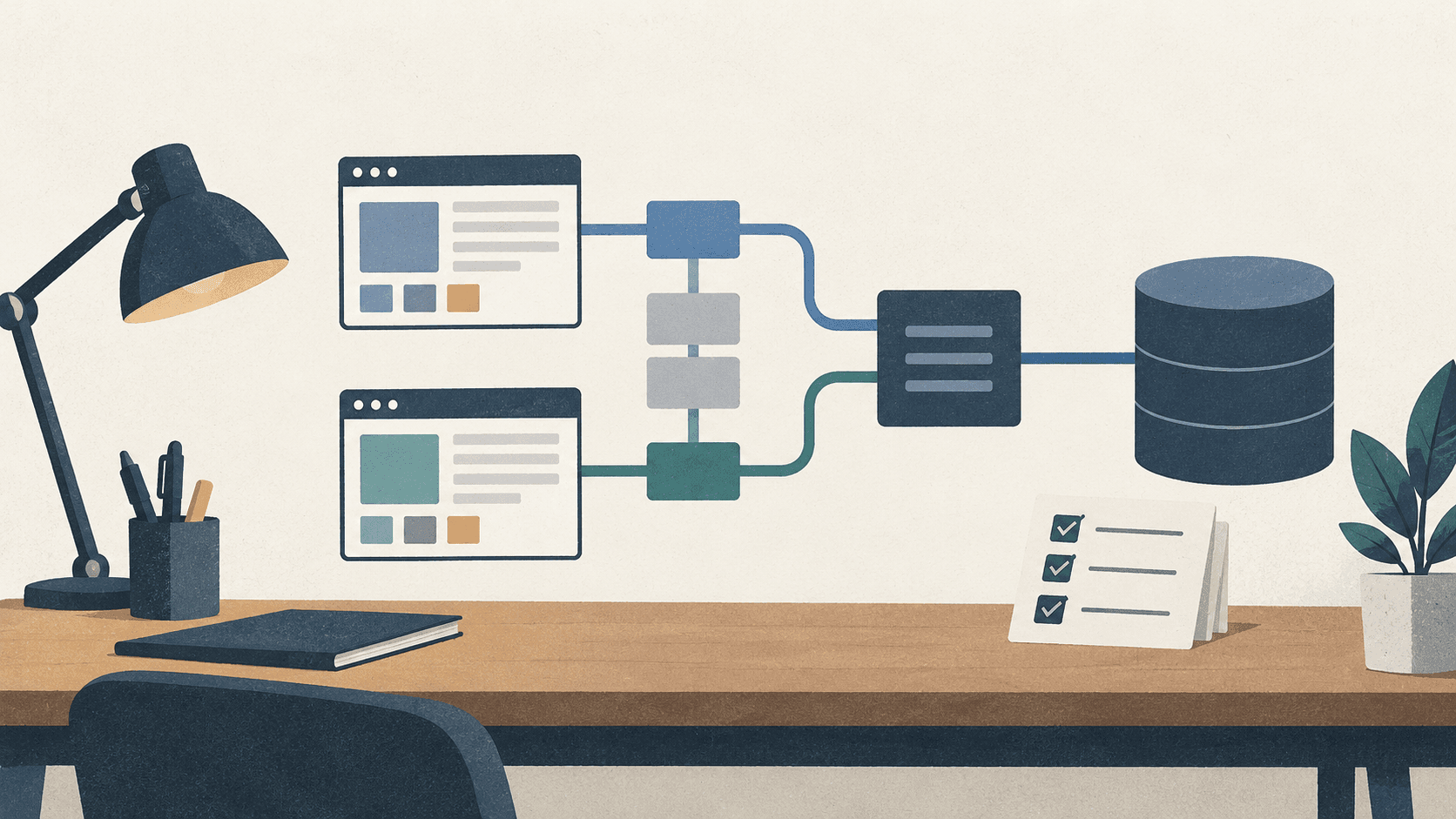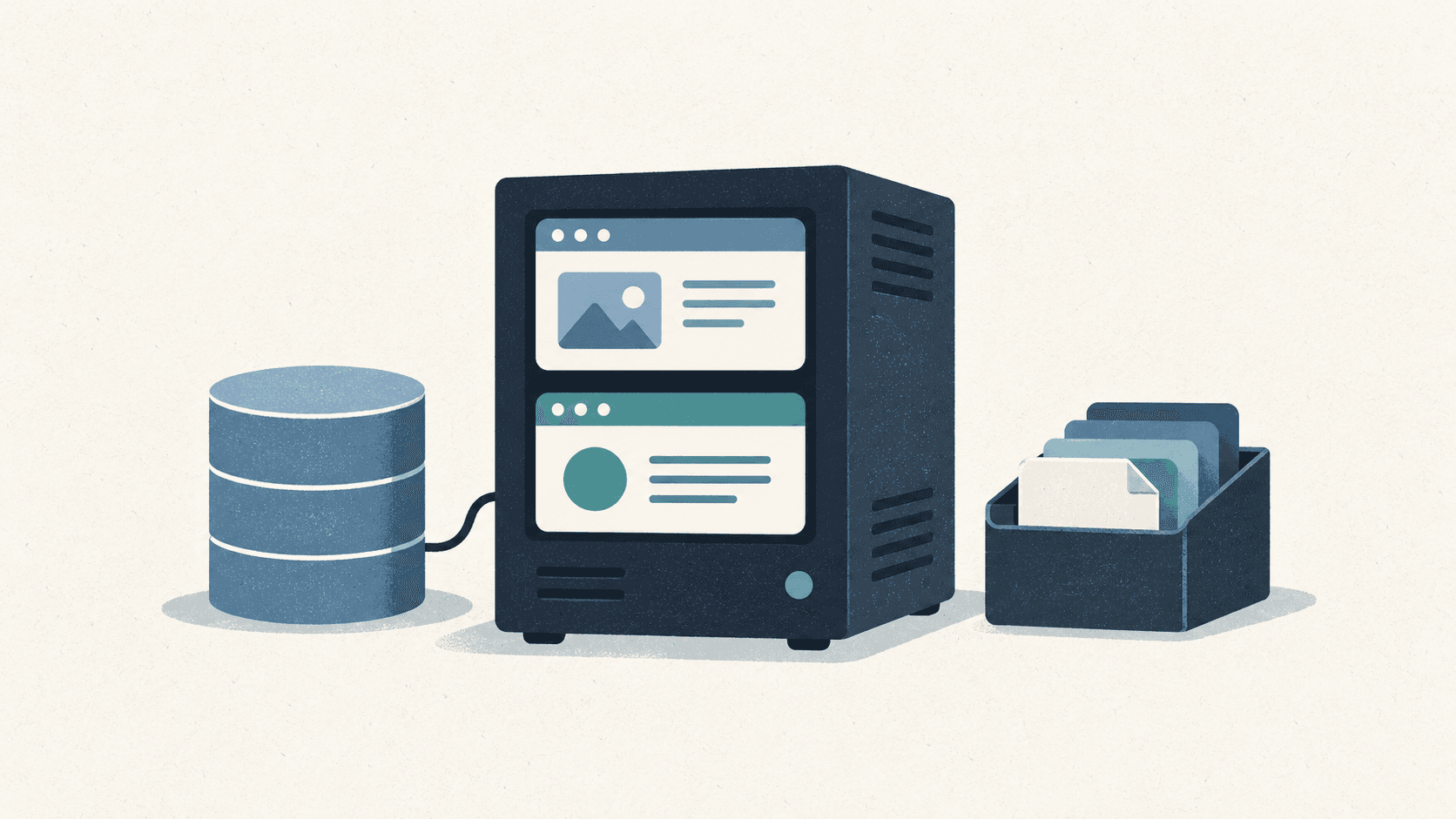
An illustration of the two services, data storage, and backups.
While preparing deployment for Game Mate and the photo community, I wanted to reduce fixed costs first. The plan put the apps on one EC2 instance and PostgreSQL on RDS. I began wondering whether the database could share the instance too.
Deployment was unfamiliar to me, so I did not settle on EC2 immediately. I looked into keeping the containers on Cloudflare and what returning from serverless would involve. Comparing products soon meant comparing the code I would have to move and the work I would have to manage myself.
I considered moving to serverless
My first question was which Cloudflare product did the job of EC2. I looked into Workers and Containers, and checked whether R2 could handle the presigned uploads already in the apps.
Running the existing Docker images on another platform and adapting the APIs to Workers were different moves. The first starts with deployment settings; the second reaches into how the APIs run. Game Mate’s chat SSE connections and the photo service’s in-process scheduled work needed somewhere to live.
I also wondered whether Hyperdrive could take care of the database. It turns out to accelerate connections and queries to an existing database. I would still need somewhere to run PostgreSQL.
Returning to EC2 would also depend on whether I had kept the containers and PostgreSQL. An API adapted to a platform would need changes again on the way back.
What I already had was a Node server and Docker deployment, with Terraform, S3, and IAM prepared around AWS. I chose to finish that setup and start on a small EC2 instance.
Usage-based billing was another concern. Repeated calls can increase a small service’s bill too. The per-invocation CPU limit in the Workers documentation limits one execution, rather than the total number of calls. Comparing serverless costs also meant deciding where to limit incoming traffic.
Would one small instance be enough for the database too?
Putting PostgreSQL in a container on EC2 made the failure scope clear: if that instance stops, the web apps, APIs, and database stop together. Leaving RDS also meant preparing backups and recovery myself.
One EC2 instance
  Caddy :443
    ├─ Game Mate Web ─ Game Mate API ─┐
    └─ Photo Web ─ Photo API ────────┤
                                    └─ PostgreSQL container
                                         ├─ game_feedback DB
                                         └─ photo_contest DB
Dedicated EBS volume  PostgreSQL data
Private media S3      Service-specific object prefixes
Separate backup S3    Database dumps before deployment
The blog stays on Vercel, outside this server. There is one PostgreSQL process, with separate databases and accounts for the two services. API runtime accounts and migration accounts are separate too.
The t3.small configuration has 2 GiB of memory and 2 GiB of swap. The container limits for Caddy, PostgreSQL, and both services’ web apps and APIs total roughly 3.1 GiB. If they reach those limits together, physical memory will not cover them.
The limits do not reserve that memory, so their sum alone does not rule out running the services. I set sustained swap use or OOM kills as reasons to move to 4 GiB. Keeping the small instance depends on its memory use and responses under load.
I compared costs including EBS, public IPv4, snapshots, and S3 storage, requests, and transfer alongside the instance. Removing RDS did not remove those charges.
Running the database meant preparing backups
I put database data on a separate encrypted EBS volume, mounted at /srv/side-postgres. A marker file identifies the volume. If it is missing, database startup stops, so a failed mount does not quietly create an empty database on the root disk.
The configuration takes a daily volume snapshot and keeps seven by default. Before a deployment migration, it runs pg_dump for that service and uploads the dump to a separate S3 backup bucket. If creating or uploading the dump fails, the migration stops too. The deployment and backup scripts follow that order.
I separated restoring the database from rolling back an application image. An older container still sees a migration that has already run. Checking the old app against the changed schema and restoring the database from backup need separate procedures.
Recovery uses a snapshot volume or a dump loaded into a fresh database, rather than RDS-style point-in-time recovery. I still need to exercise those restore procedures on AWS.
I added S3 permissions, but CI still failed
I wanted one existing S3 media bucket with a folder for each project. The initial code assumed a separate bucket for each service, so I changed that first.
media-bucket/
  game-feedback/
    production/...
    ci/...
  photo-contest/
    production/...
    ci/...
backup-bucket/
  postgres/...
Each production credential can only read and write under its service's production/ prefix. Tests use run-specific paths under ci/. The console presents these as folders, but they are prefixes in object names. Different names do not enforce separate permissions by themselves.
CI uploads still failed after I added GetObject, PutObject, and DeleteObject. The test listed objects before uploading. Accessing an object and listing names in a bucket require permissions on different resources.
| Operation | Resource | Path restriction |
|---|---|---|
GetObject, PutObject, DeleteObject | arn:aws:s3:::media-bucket/game-feedback/production/* | Put the path in the object ARN |
ListBucket | arn:aws:s3:::media-bucket | Add an s3:prefix condition |
An ARN ending in .../game-feedback/ does not mean all files below it. The object pattern needs *. Listing needs permission on the bucket ARN, restricted by a prefix condition. The revised IAM policy has separate statements for the two operations.
After IAM, browser uploads needed CORS attention too. The test origin was not allowed on the bucket. CORS controls cross-origin browser access, while IAM and the signature control object permission. Having only one side configured did not make the upload work.
I kept the backup bucket separate from media. The EC2 role can upload under postgres/, without permission to read or delete existing dumps.
I looked into R2 too
Since R2 is S3-compatible, I asked whether it could handle the current upload flow. Both services use presigned POST policies with file size limits.
The R2 documentation supports GET, HEAD, PUT, and DELETE, but not HTML form POST uploads.
S3 compatibility did not make the current upload portable without changes. Switching to PUT would require revisiting the POST policy conditions and completion checks. I kept S3 and left that work for a storage comparison if media transfer costs warranted it. It did not need to be bundled with moving off EC2.
Adding API domains did not mean changing the cookies
I chose to give the APIs their own hostnames. Each service has a web hostname and an api. hostname, with Caddy forwarding requests to the right containers.
Browsers still use same-origin /api or /backend paths, with the existing host-only session cookie on the web hostname. Photo service GraphQL mutations go through the web proxy so they still trigger Next cache invalidation.
Web traffic enters through Caddy on ports 80 and 443. Web and API containers have service-specific Docker networks. Only API, operations, and migration containers join the database networks. Caddy and the web containers have no need to connect directly to the database. The proxy and network settings are in the deployment directory.
I used Terraform to manage infrastructure as code
I did not want rebuilding the server to depend on remembering console changes. Terraform defines EC2, the network, the PostgreSQL EBS volume, IAM policies, and the backup bucket, keeping their configuration and history in the repository.
I considered Lightsail but chose EC2. I removed the unused Lightsail configuration and scripts so they would not remain as a competing deployment path.
Terraform manages the underlying server and network. GitHub Actions builds the images and delivers deployment work to the existing EC2 instance over SSH. An application deployment replaces the containers on that server with the new versions.
The existing media bucket stays outside Terraform management, while a separate backup bucket holds database dumps. I recorded the initial server setup steps in the Terraform guide.
What I still need to check on the server
The CloudWatch configuration includes a reboot action after failed instance status checks and an alarm for low CPU credits. A stopped server cannot send application errors, so I needed a check outside the apps too. Email notifications require confirming the subscription after entering an address.
The setup has not been applied to the actual account yet. The first server checks are whether a missing data volume stops the database and whether the backups restore it. Swap use, container exits, and response times under load will determine whether to keep the small instance.
The product and screen changes are in Giving an AI agent autonomy, then reviewing and revising what it built.