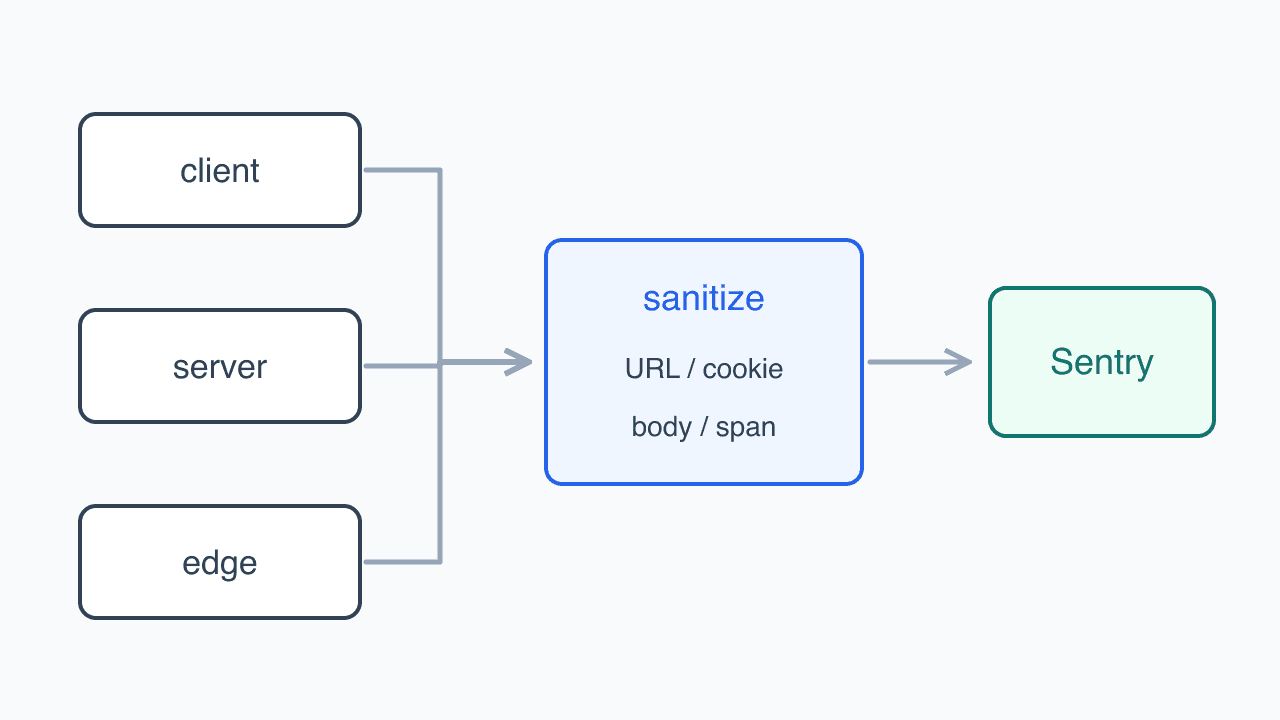
An illustration of the topic, rather than an actual product screenshot or exact architecture diagram.
Sentry was collecting a crash I had never seen in development. Releasing a dragged sheet stopped the screen. At the first check, two related error groups held 23 events affecting 17 users, all pointing to react-modal-sheet's drag-end handler.
I suspected one of the app's several closing paths had cleared the ref too early. Following those paths led me into the library's onDragEnd.
Only a slow release reached the ref read
The repeated stack and affected users made this worth investigating even without a reproduction on my device. I started with the value being read on the failing line.
Here is a shortened version of onDragEnd in react-modal-sheet 2.2.1.
// react-modal-sheet 2.2.1 sheet.tsx, 분기와 계산을 줄인 단순화 코드
function onDragEnd(_event, { velocity }) {
  if (velocity.y > 500) {
    onClose(); // 빠르게 아래로 튕겨 닫는 경로는 ref를 읽지 않아요
    return;
  }

  const sheetEl = sheetRef.current as HTMLDivElement;
  const sheetHeight = sheetEl.getBoundingClientRect().height;

  // 드래그가 끝난 위치에 맞는 snap point 계산
}
The handler asserts sheetRef.current as HTMLDivElement, then reads its dimensions. An assertion cannot rule out null at runtime. The same file checks null in snapTo at sheet.tsx:186–191, but not here. Since the callback belongs to the library, a check in the app's onClose would not prevent this read.
A fast flick takes a branch that never reads ref. A slow drag and release reaches sheet.tsx:128–133. Gestures that both appear to close the sheet therefore run different code.
Closing did not immediately unmount the sheet
I pictured the sheet disappearing as it closed, followed by a callback reading its empty ref. The exit animation in 2.2.1 showed why a close-state change alone could not explain it.
At sheet.tsx:249–258, AnimatePresence wraps isOpen ? children : null. SheetContainer has a 0.2-second tween exit with exit={{ y: windowHeight }}. Setting isOpen false leaves the DOM until the animation ends. This repository's overlay.close, closeAll, and Root popstate → onClose paths all followed isOpen=false → exit animation → onCloseEnd → unmount. The state change alone does not empty ref before the next frame's post-render.
VisualElementDragControls in framer-motion 11, now Motion, schedules the drag-end callback for the next frame's post-render. Removing the entire sheet tree before then could leave null at sheet.tsx:133. I could not reproduce the app action that removed it in that interval.
포인터 입력 종료
  → 드래그 종료 콜백이 다음 프레임 post-render에 예약됨
  → 그 사이 시트 트리 언마운트(트리거 미확인)
  → sheetRef.current = null
  → 예약된 onDragEnd 실행
  → null에서 getBoundingClientRect 호출
  → 화면 크래시
Upstream issue #188, opened January 3, 2025 and still open when I checked, described the same failing read after a drag started and ended over a close button. I could not establish that our trigger was identical, but the DOM access that failed matched.
I then looked at newer versions. In 5.x, drag end uses sheetHeight already measured by useMeasure from react-use-measure 2.1.7. It no longer rereads ref or uses AnimatePresence. The rewritten sheet had removed the DOM access rather than simply guarding it.
Upgrading instead of delaying close
| Option | Benefit | Cost and risk | Decision |
|---|---|---|---|
| Delay closing at callers | Small scope | Cannot reliably stop the internal callback; an unreproduced trigger leaves no basis for a delay duration | Reject |
| Patch a null guard into the package | Stops the failing read directly | A private patch must survive installation and be maintained independently of upstream fixes | Reject |
| Upgrade to 5.6.0 | Removes the ref-access path | Changes snapPoints and detent semantics, moves imports from framer-motion to motion/react, and updates AGENTS/SKILL guidance | Choose |
I chose 5.6.0. A delay would have hidden an unreproduced timing problem behind an arbitrary duration; the newer version did not contain the failing read. One shared Root could adapt the new API while screens kept their existing interface. Rolling back would mean restoring the library, Root, and the detent props removed later. The motion/react imports could stay.
Keeping the snap values supplied by screens
The package update needed an adapter. In 2.x, snapPoints were fractions of viewport height. In 5.x, they refer to sheet height, with a different order and initial index.
| Property | 2.x | 5.x |
|---|---|---|
| Basis for a 0–1 ratio | Viewport height | Sheet height |
| Order | Descending | Ascending |
| Index 0 | Highest open position | Closed; the last index is fully open |
| Endpoints | No required 0 or 1 | Starts at 0 and ends at 1; missing values are inserted with console.error |
I kept the values screens passed to BottomSheet.Root and converted them inside Root. Callers would not need to learn the new coordinate system. I also documented the input basis in IBottomSheetRootProps.
function toSheetSnapConfig(points: number[], initialSnap: number) {
  const [tallest] = points;
  const ascending = [...points].reverse().map((point) => point / tallest);

  const needsClosedSnap = ascending[0] !== 0;
  const snapPoints = needsClosedSnap ? [0, ...ascending] : ascending;
  const closedSnapOffset = needsClosedSnap ? 1 : 0;
  const height = Number((tallest * 100).toFixed(2));

  return {
    snapPoints,
    initialSnap: points.length - 1 - initialSnap + closedSnapOffset,
    contentHeight: `calc(${height}dvh - ${BOTTOM_SHEET_HEADER_HEIGHT}px)`,
  };
}
The old [0.8, 0.5, 0.3, 0] means 80%, 50%, and 30% of the viewport, followed by closed. Dividing by the maximum height of 0.8 and reversing the order gives [0, 0.375, 0.625, 1]. That changes the library input while preserving where the sheet appears.
The conversion layer also calculates actual height. In 5.x, detent determines container height later, so container styling alone could not preserve it. I used content mode, where content determines height, and passed the calculation to Sheet.Content. A single BOTTOM_SHEET_HEADER_HEIGHT constant keeps the 40px header calculation aligned with markup.
For screens without explicit snapPoints, I compared rendered heights. content-height became content, while full-height became default because that was the closest match. The new value named full did not reproduce the old full-height behavior.
Exports and animation imports changed too
package.json moved from ^2.2.0 to ^5.6.0, and the lockfile resolved 2.2.1 to 5.6.0. Releases in between required changes beyond height calculation.
- v3.0.0, May 11, 2024: Sheet changed from default to named export.
- v4.0.0, December 27, 2024: the peer dependency changed from framer-motion to motion.
- v5.0.0, September 6, 2025: Sheet.Scroller was removed, Sheet.Content gained scrolling responsibility, and snapPoints and detent changed.
I installed motion ^11.18.2. Motion 11 bundles its own copy of framer-motion 11, so direct app imports could include two runtimes. I moved the app's direct imports to motion/react. The framer-motion declaration remained ^11.0.24, resolved to 11.18.2, because motion's type entrypoint reexports from framer-motion. Motion already depends on it; I removed the direct runtime import path, not its installation.
I removed the now-ineffective detent props. In 2.2.1, even with snapPoints, SheetContainer.tsx:30–44 used height for full-height and maxHeight for content-height. Caller detent became ineffective only when the new Root forced content mode for explicit snapPoints. I removed those misleading values and clarified the prop description. CSS ratios such as 55.00000000000001dvh were rounded to two decimals, and the usage guidance was updated for the new API.
The height was right, but the title scrolled away
Separate from the crash, scrolling a sheet moved its title with the body. This predated 5.x. During the April compound refactoring, Root wrapped Header, Content, and Footer together in Sheet.Scroller. Sticky buttons appeared fixed, but the title belonged to the scroll region. September's upgrade carried the same structure into Sheet.Content.
I missed this both when reviewing April's AI-generated compound implementation and during September's upgrade. I checked height and snap positions without scrolling long content and watching the title and buttons separately. Coordinate tests and AI review passed with the problem intact. jsdom does not calculate real layout, so those passing tests did not contradict what happened on screen.
On September 21, I limited scrolling to BottomSheet.Content. Only that component uses the library's Sheet.Content; Header and Footer sit outside it. Snap height applies to the combined area. Browser Mode tests exercise long-content scrolling, fixed title and buttons, 80% snap height, and button placement with short content.
Comparing visible positions instead of copied arrays
Height calculations and scrolling needed different tests. For coordinate conversion, I converted sheet-relative positions back to viewport ratios. That let the assertions compare where a user would see the sheet instead of copying the transformed array into expected values.
The toViewportRatio helper performs that conversion.
it('두 번째로 높은 스냅에서 시작하면 그 자리를 가리켜야 한다', () => {
  const { snapPoints, initialSnap } = toSheetSnapConfig([0.8, 0.5, 0.3, 0], 1);

  expect(toViewportRatio(snapPoints[initialSnap], 0.8)).toBe(0.5);
});
The tests also cover order, the highest snap being 1, inserting the closed position, initial-index adjustment, and content height. Deliberately breaking the index calculation made them fail.
The crash stopped appearing after deployment
Before deployment, the error reached at least 75 events and 57 users. The same groups recorded no events from the September 10 release through September 28. I did not reproduce the crash with an identical gesture, but the null-ref read was absent from the new version. Preserving snap positions still left the scrolling title unresolved; that needed the separate September 21 fix.
References
- react-modal-sheet #188: null getBoundingClientRect after a drag ending on the close button
- react-modal-sheet v5.0.0 release: README includes v4-to-v5 guidance
- framer/motion: VisualElementDragControls schedules drag-end callbacks in the next frame's post-render
- Related: Connecting Sentry errors, Web Vitals, MCP, and releases