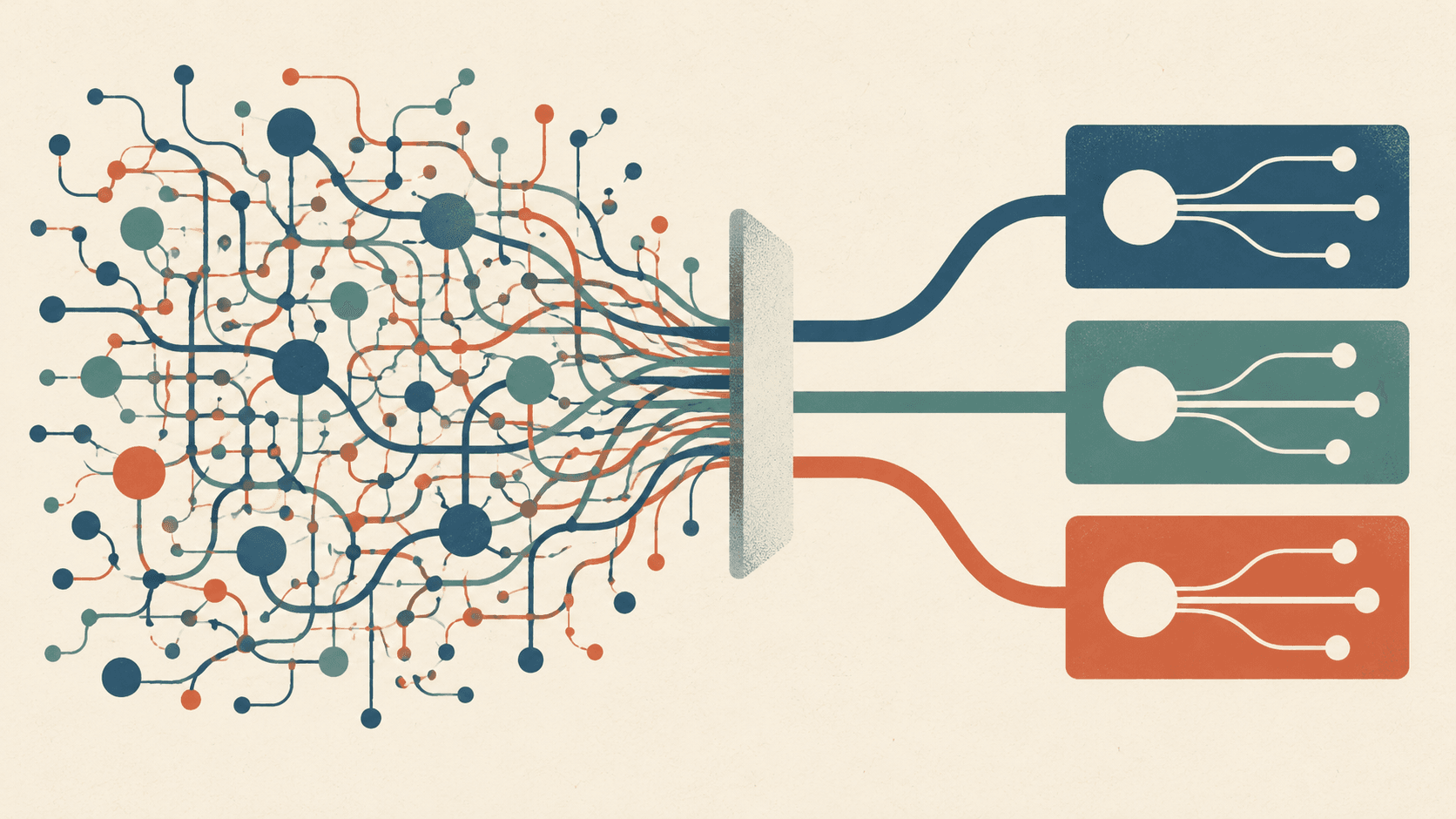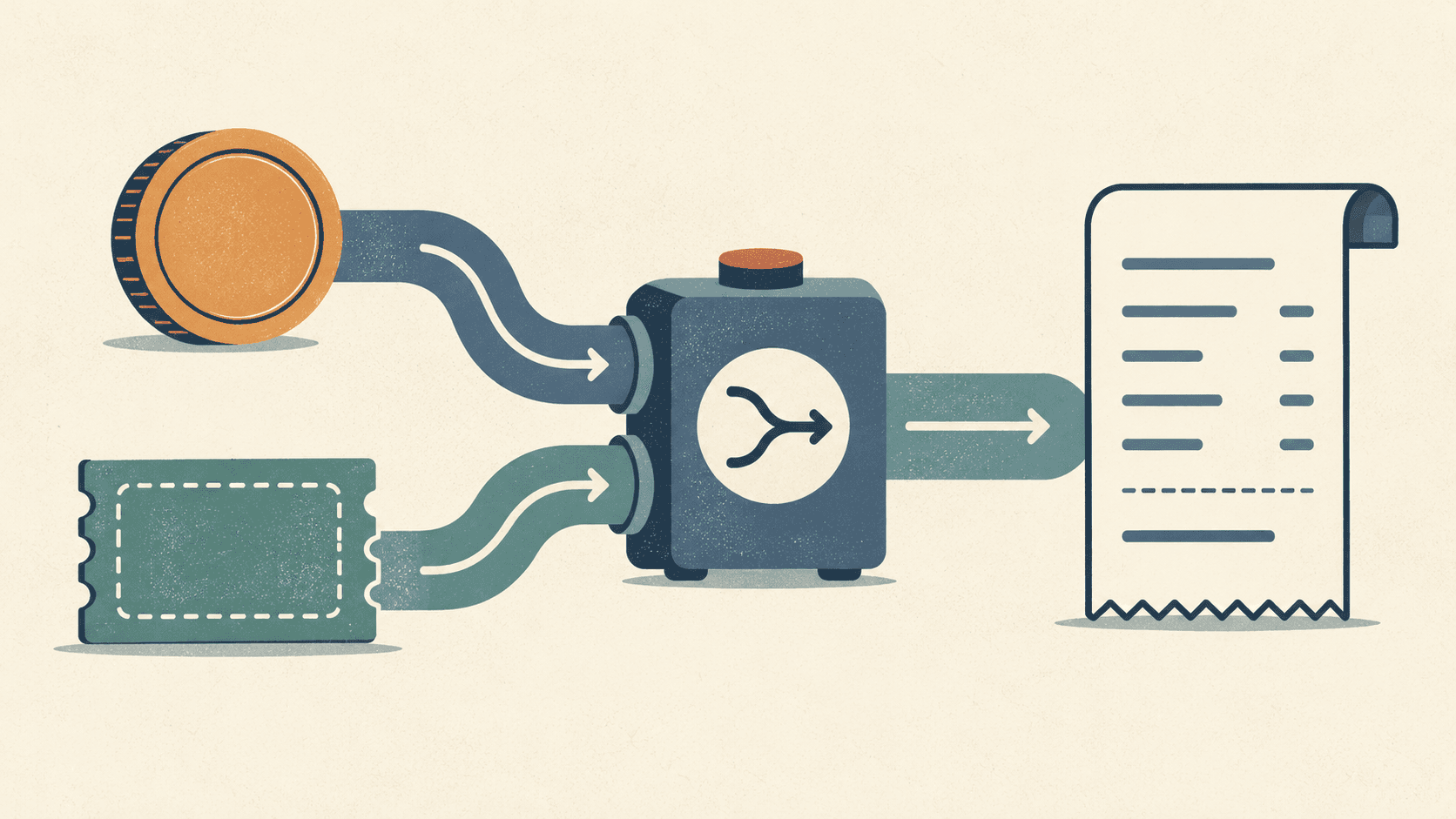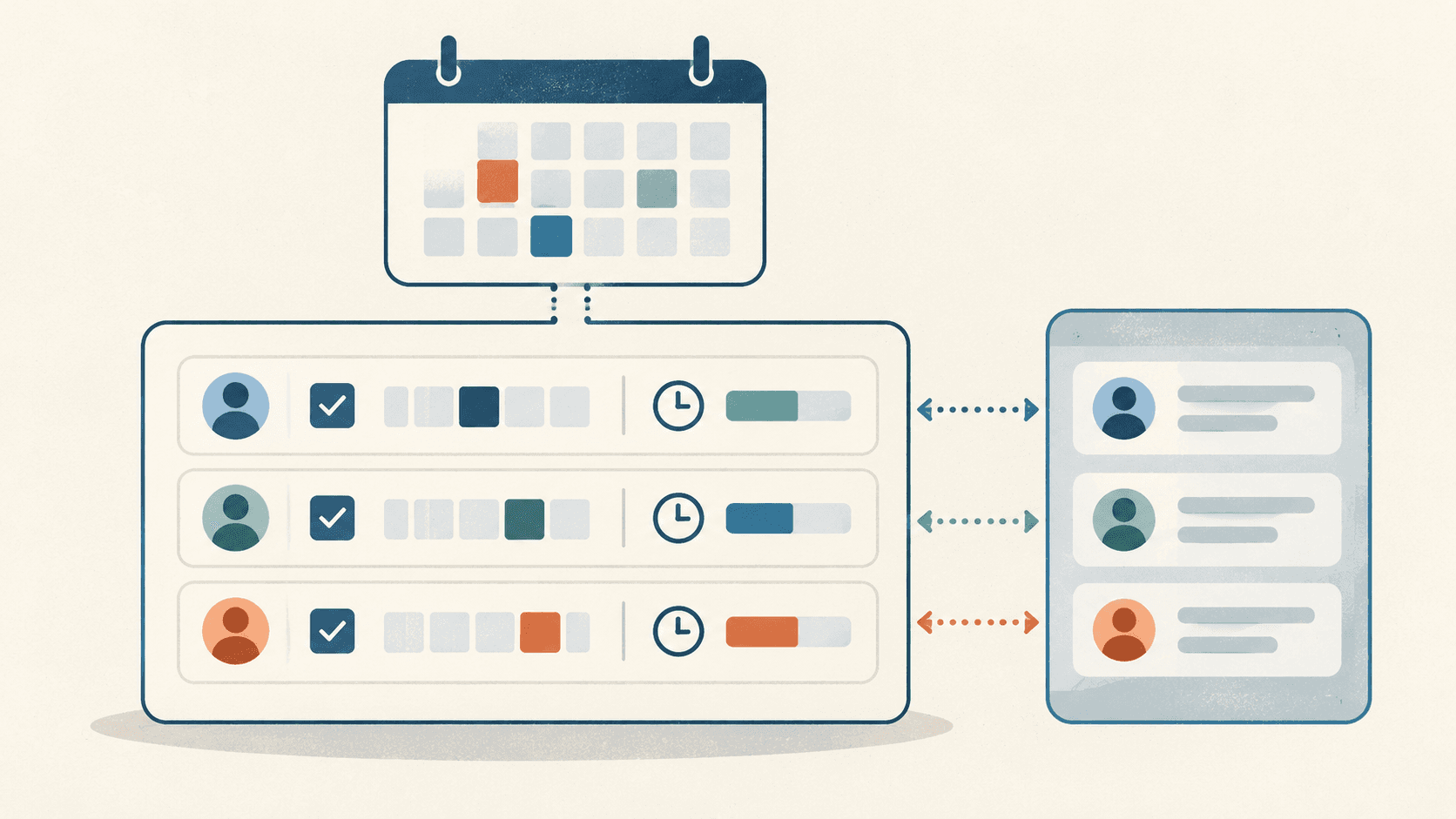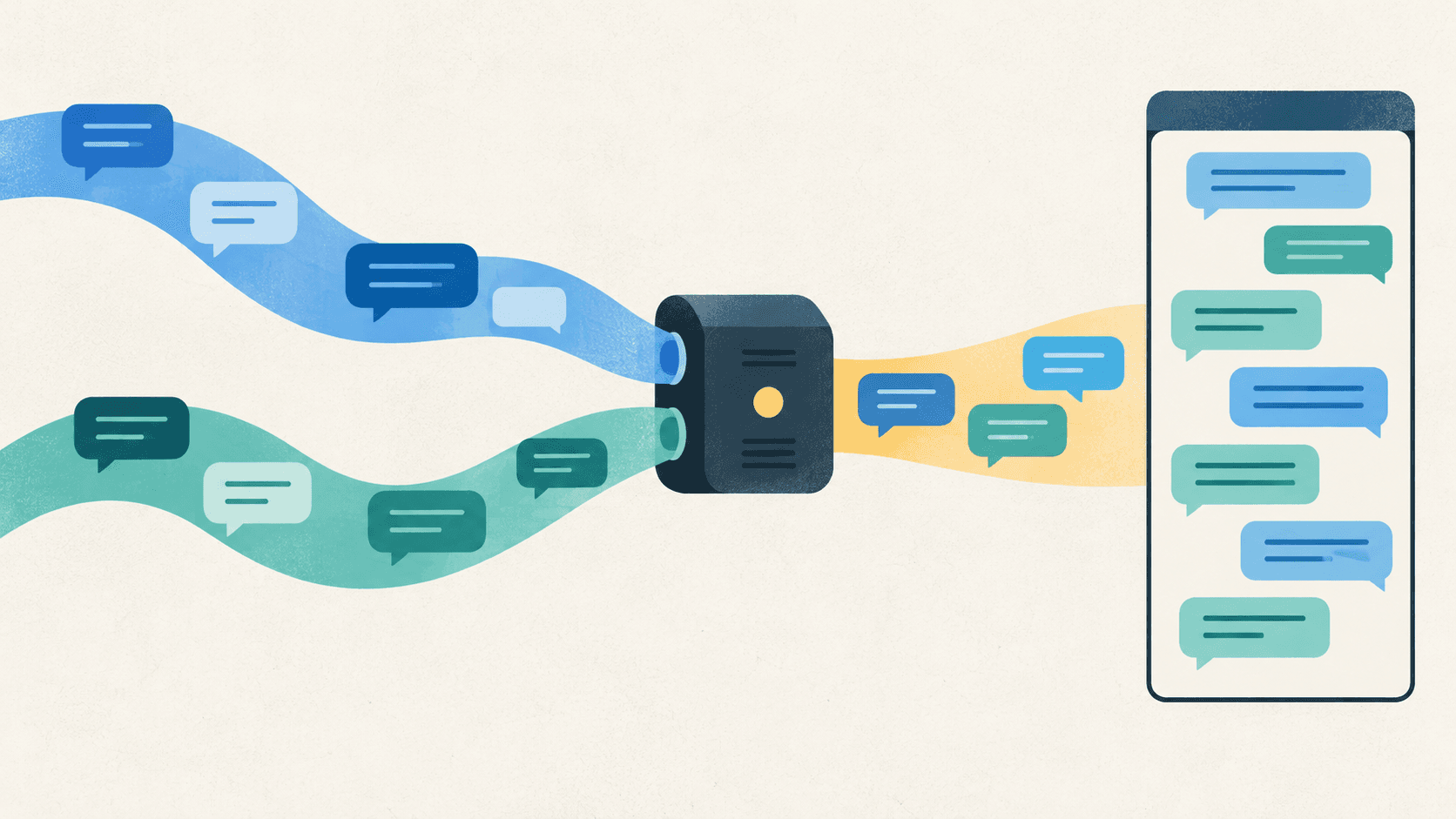
An illustration made for this article, rather than a screenshot of the service.
The shopping service's AI support screen had one backend for questions and another for counseling sessions. The frontend had to connect to both, without changing either backend.
- AI chat service: streams AI answers token by token over SSE.
- Session backend: manages counselor connections, sessions, and history, sending counselor messages and status changes over SSE.
There was no shared backend owner who could combine the responses for us. Asking one independent service to consume the other's output was not an option.
The client had to make these streams look like one conversation. I moved from accumulating tokens directly to separate panels and back to one panel, then from useReducer through a custom store to @tanstack/ai.
AI token streaming → separate counselor-button panel → keyword-based integration → useReducer state machine → useSyncExternalStore store → @tanstack/ai adapter
Displaying tokens as they arrived
src/modules/entities/chat/chatbot/
├─ api/chatbot.api.ts        # AI 챗 서비스 /chat/stream 호출 + SSE 파싱
├─ model/use-chat-stream.hook.ts
├─ model/use-chat-session.hook.ts
└─ ui/ (MessageBubble, TypingIndicator, MarkdownContent ...)
The first screen sent a question to POST /chat/stream and rendered its SSE response. I parsed the response and appended each token to the current message. The API was already defined, so the frontend worked with the format it received.
// 초기: AI 응답 스트림을 직접 파싱해 화면에 흘림
async function* parseSSEStream(stream: ReadableStream<Uint8Array>) {
  const reader = stream.getReader();
  const decoder = new TextDecoder();
  let buffer = '';
  while (true) {
    const { done, value } = await reader.read();
    if (done) break;
    buffer += decoder.decode(value, { stream: true });
    const lines = buffer.split('\n');
    buffer = lines.pop() || '';
    for (const line of lines) {
      const t = line.trim();
      if (t.startsWith('data: ')) yield JSON.parse(t.slice(6)) as StreamData;
    }
  }
}

// 토큰이 올 때마다 메시지 text 에 이어붙임 (= 진짜 스트리밍 UI)
onData: (data) =>
  setMessages((prev) => updateMessage(prev, botMessageId, { text: current.text + data.content })),
useMutation made the request, and useState<Message[]> held the accumulating tokens. There was no streaming library in between.
The server's history already included an instruction:
“How can I help? To connect to a counselor, enter 'connect to an agent'.”
Supporting that connection keyword meant receiving messages from another service too.
Adding a counselor connection button
Counselor messages arrived through the session backend's SSE. Its start, subscribe, message, and end operations opened the session, received messages and statuses, sent messages, and ended it. The AI conversation had to continue through this session.
I initially divided the UI like the backends: AiChatPanel handled the AI stream, CounselingPanel handled session SSE, and a button switched between them.
// 상담사 연결이 '버튼'이던 시절: EventSource 로 세션 SSE 구독
const subscribeSse = useCallback((sid: string) => {
  const es = fetchCounselingSubscribe(sid);
  es.addEventListener('status', (e) => {
    const { status } = safeParse(e.data);
    if (status === 'counseling') append(createSystemMessage(GUIDE.accepted));
    if (status === 'ended') append(createSystemMessage(GUIDE.ended));
  });
  es.addEventListener('message', (e) => {
    const { message } = safeParse(e.data);
    if (message?.trim()) append(createCounselorMessage(message));
  });
}, []);
Switching panels also split the message list, scroll position, and session. Code treated this as another screen, although the conversation continued for the user. Message constructors and types had separated by source too: createUserMessage, createCounselorMessage, and createSystemMessage.
Combining the panels and using a connection keyword
I combined the panels and removed the connection button. Entering the keyword from the server's greeting now requested a counselor.
One hook handled the panel. Sending routes to the session backend while connecting or counseling and to the AI service otherwise. The top-level component no longer chooses an ai or counseling panel.
Both answers now needed to enter the same list. Rendering both streams could add the same answer twice, so I first chose which stream would supply displayed messages.
Keep the AI stream connected without displaying it
Session SSE carried both AI and counselor answers; the AI service carried only AI answers. I made session SSE the sole source of displayed messages.
The AI stream stayed open and was read to completion without rendering its response. This drain-only arrangement kept the request that caused generation separate from the subscription delivering the finished answer.
// 한때 화면에 흘리던 AI 스트림이 → drain-only(읽고 버림) 로 강등됨
const response = await chatClient.post('/chat/stream', body, {
  adapter: 'fetch',
  responseType: 'stream',
  timeout: 30_000, // 30s 상한: 생성이 오래 걸릴 수 있어 넉넉히
});
const reader = (response.data as ReadableStream<Uint8Array>).getReader();
try {
  while (!(await reader.read()).done) {
    // 읽기만 하고 버린다. 표시는 세션 SSE 가 담당.
  }
} finally {
  reader.releaseLock();
}
I could not inspect the servers, but the behavior suggested that retaining the AI stream for up to 30 seconds allowed generation to proceed and its result to arrive through session SSE. The connection therefore stayed open even though its response was discarded. Browser disconnection and timeout can still affect generation in this arrangement.
Authentication headers ruled out EventSource
Authentication blocked the first session-SSE integration. Its endpoint required Authorization: Bearer, which standard EventSource cannot attach. I used the fetch-based @microsoft/fetch-event-source to add the header and configure reconnection and background-tab behavior through openWhenHidden.
export async function openSessionStream(sessionId, init) {
  const accessToken = await getCookie('accessToken');
  return fetchEventSource(`${SESSION_API_URL}/chat/sessions/${sessionId}/stream`, {
    signal: init.signal,
    openWhenHidden: true, // 백그라운드 탭에서도 상담 메시지 유지
    headers: accessToken ? { Authorization: `Bearer ${accessToken}` } : undefined,
    onmessage: (e) => init.onMessage(e.event, e.data),
    onerror: init.onError, // 지연(ms) 반환 시 재연결, throw 시 중단
  });
}
Gathering transitions in useReducer
Conversation state determined where to send and whether to subscribe. That state mixed values created by the client with values supplied by the server.
ai ──"상담원 연결"→ connecting ──(SSE: live)→ live ──(SSE: done)→ done
└─(SSE: hold)→ hold- ai: the client's default AI-response state
- connecting: client-only state after ending AI and while awaiting counselor acceptance
- live/hold/done: server-owned states from session SSE
The client sets connecting while waiting for a counselor, but the server may send done during that wait. Updating separate useState values made that order hard to handle, so I gathered transitions into useReducer.
Transitions became easier to read, while effects still opened and closed SSE independently. Status could be live with no open connection. I next gathered the connection conditions in one place.
Letting the store own SSE while React subscribes to snapshots
Connection = subscribers exist ∧ session exists ∧ session is not finished.
syncConnection() reconciles the connection when subscribers, session, or completion state change. React only subscribes to its snapshots through useSyncExternalStore. Events arriving during reconnection or unsubscribe still require handling beyond these conditions.
export class ChatStore {
  private snapshot = ChatStore.initialSnapshot();
  private readonly listeners = new Set<Listener>();
  private readonly seen = new Set<number>(); // 메시지 id 로 history+SSE 이중표시 제거

  readonly subscribe = (listener: Listener) => {
    this.listeners.add(listener);
    this.syncConnection(); // 구독 시작 → 필요하면 연결
    return () => {
      this.listeners.delete(listener);
      this.syncConnection(); // 구독 종료 → 필요하면 해제
    };
  };
  readonly getSnapshot = () => this.snapshot;
}
React Query in the hook kept the network actions: ending AI, sending, and opening the AI stream. The store kept SSE subscriptions and transitions. It also parsed undocumented message shapes: single items, arrays, and { messages: [] } wrappers. Zod .catch() let valid items survive a malformed item.
The custom store connected the flow, but supporting more message formats would require changing it again.
Moving message management to @tanstack/ai
ChatStore accumulated messages, deduplicated IDs with seen, managed subscriptions, and published immutable snapshots. These were functions available in AI message libraries.
We planned token streaming, tool calls, and messages containing cards and attachments. The text-oriented custom model would need to change, so I moved to @tanstack/ai's message model.
Session SSE still did not match the connection format useChat accepted. SubscribeConnectionAdapter reads the existing SSE format and passes it to the library without a server change.
export function makeSessionConnection({ sessionId, onStatus }): SubscribeConnectionAdapter {
  return {
    async *subscribe() {
      const queue: StreamChunk[] = [];
      let notify = () => {};
      const controller = new AbortController();

      const accessToken = await getCookie('accessToken');
      fetchEventSource(`${SESSION_API_URL}/chat/sessions/${sessionId}/stream`, {
        signal: controller.signal,
        openWhenHidden: true,
        headers: accessToken ? { Authorization: `Bearer ${accessToken}` } : undefined,
        onmessage: ({ event, data }) => {
          if (event === SseEvent.StatusChange) {
            const status = parseStatusEvent(safeParse(data));
            if (status) onStatus(status); // 서버 상태 → 비즈니스 레이어 (ServerStatus 타입)
          } else {
            queue.push(...itemsToChunks(safeParse(data))); // 메시지 → 표준 StreamChunk
          }
          notify();
        },
        onerror: () => 3000, // 3s 후 재연결
      }).catch(() => {});

      try {
        while (true) {
          if (queue.length === 0) await new Promise<void>((r) => (notify = r));
          yield* queue.splice(0); // 콜백(push) → async generator(pull) 브리지
        }
      } finally {
        controller.abort(); // 소비 종료 시 SSE 닫기
      }
    },
    send: asyncNoop, // ← 전송은 이 채널이 아니다
  };
}
Its send method is empty. A typical connection returns a response stream after sending, but this app chooses the sending service separately and receives only through session SSE. I kept subscription in the adapter rather than making it choose between the backends again.
Matching useChat initialization and subscription timing
Matching the connection format was not enough. History could be missing or live messages could fail to arrive until I matched when useChat initializes and subscribes.
- It reads initialMessages only once at mount. Asynchronous history originally arrived after an empty first render. Gating the conversation with useSuspenseQuery mounts it only after history is ready, making initialMessages the actual history.
- Without
live: true, subscription does not start. Omitting it caused missing live messages until I useduseChat({ connection, initialMessages, live: true }). - Closing the panel unmounts the component and unsubscribes. The adapter's finally calls controller.abort() to close SSE.
Separating client and server status types
I first used serverStatus and isConnecting to distinguish the client's connecting state. Later I kept one state value and narrowed values accepted from the server with ServerStatus.
type ServerStatus = 'ai' | 'live' | 'hold' | 'done';   // SSE/히스토리가 주는 권위 상태
type ChatStatus = ServerStatus | 'connecting';          // + 클라 전용 전이 상태

const [status, setStatus] = useState<ChatStatus>(/* 히스토리 마지막 status ?? 'ai' */);
// onStatus 가 ServerStatus 타입이라, SSE 는 connecting 을 타입상 절대 못 덮는다
const connection = useMemo(() => makeSessionConnection({ sessionId, onStatus: setStatus }), [sessionId]);
The keyword handler sets connecting, while onStatus accepts only ServerStatus. Passing connecting through that server-event path therefore fails type checking. Despite the example comment, live or done can still replace the current connecting value. Accepted transition order needs separate handling.
Message deduplication still needed verification
I left the old seen set behind and relied on useChat's messageId accumulation. The unresolved case is an identical ID arriving from history and SSE. Whether those messages merge needs checking with backend retransmission included.
Keeping send failures out of the conversation
The original error bubbles appeared under unrelated answers and stayed for the whole session. I moved send failures to shared toast.warning because they were feedback about sending, not conversation messages.
Initial status could not simply come from the last item either. I replaced .at(-1) with .findLast(i => i.status) so a message without status would not reset it. Adding the AI-ending call to isPending also blocks sending during connecting. The client greeting at the top can still duplicate server history; showing it only for empty history remains to be checked.
The renderer still accepts a one-line Message even after the model migration.
Converting UIMessage into that type discards cards, tools, and attachments in parts before rendering. The renderer needs to read parts directly to use those message formats. If the AI service later supplies tokens through session SSE, token-by-token display can also return through this path.
Closing subscriptions needs more than the adapter's finally block. When the queue is empty and awaiting input, cancellation may not release that await immediately. It must reach SSE and wake the queue. The shortened example shows how the two channels connect; cancellation and retransmitted-ID behavior still need that additional checking.