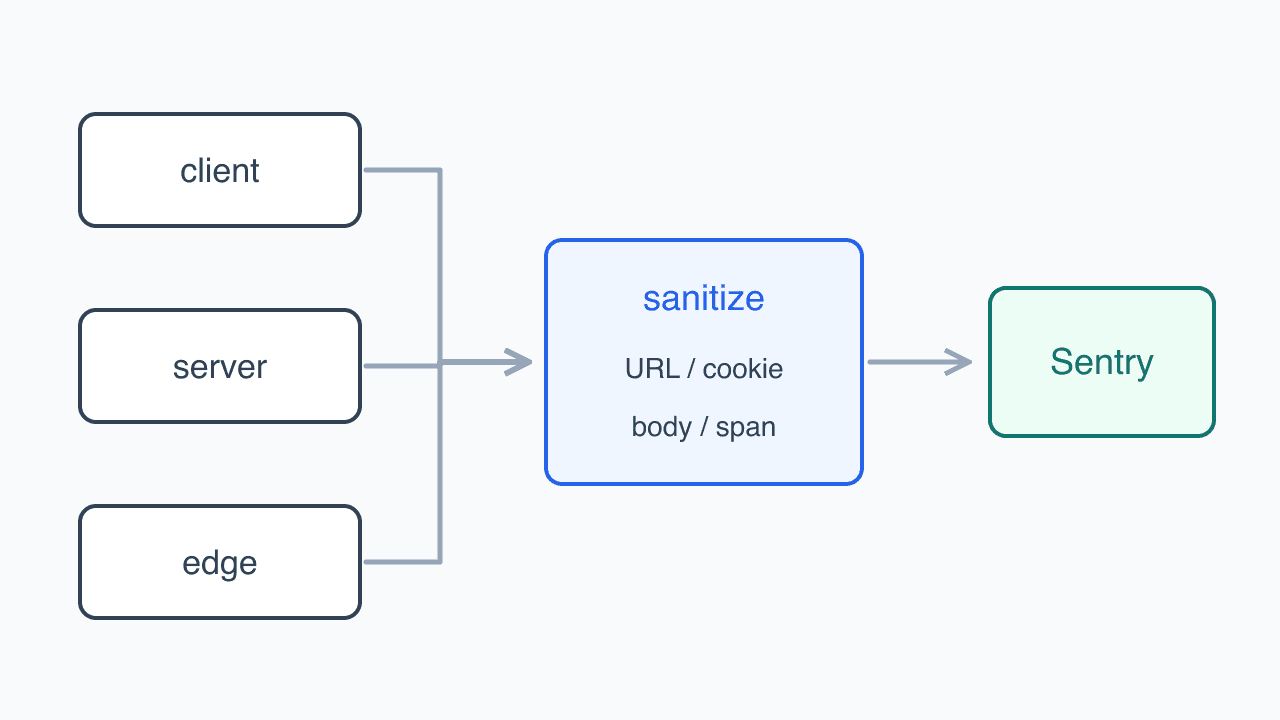
An illustration of the topic, rather than an actual product screenshot or exact architecture diagram.
The examples use Next.js 15 App Router and TanStack Query v5.
Fetching data on an App Router server page does not remove the client query that reads it on screen. I needed to pass the server cache to the browser and keep that browser cache alive through later renders.
The creation code could be shared, but the instance could not. Each server request gets a fresh cache; repeated browser renders keep using the same one.
Separate server requests and retain the browser cache
// query-client.ts
import {
  QueryClient,
  defaultShouldDehydrateQuery,
  isServer,
} from '@tanstack/react-query';

function makeQueryClient() {
  return new QueryClient({
    defaultOptions: {
      queries: {
        staleTime: 60_000,
      },
      dehydrate: {
        shouldDehydrateQuery: (query) =>
          defaultShouldDehydrateQuery(query) ||
          query.state.status === 'pending',
      },
    },
  });
}

let browserQueryClient: QueryClient | undefined;

export function getQueryClient() {
  if (isServer) {
    return makeQueryClient();
  }

  if (!browserQueryClient) {
    browserQueryClient = makeQueryClient();
  }

  return browserQueryClient;
}
On the server, each call to getQueryClient returns a new instance from makeQueryClient. Data from one request therefore does not remain in the next request's cache. In the browser, the module holds the instance so a Provider rerender does not discard it.
I used TanStack Query's isServer to distinguish the environments. A direct typeof check must compare against a string: typeof window !== undefined is true on the server too. The corresponding server check would be typeof window === 'undefined'.
Connect that instance to the provider
'use client';

import { QueryClientProvider } from '@tanstack/react-query';

import { getQueryClient } from './query-client';

export function QueryProvider({ children }: { children: React.ReactNode }) {
  const queryClient = getQueryClient();

  return (
    <QueryClientProvider client={queryClient}>
      {children}
    </QueryClientProvider>
  );
}
The provider lives in a Client Component and receives the instance from getQueryClient. Wrapping a layout's children with it does not turn Server Components passed through children into Client Components. This gives cache subscribers a provider while preserving server rendering.
Point both environments at the same query
import { queryOptions } from '@tanstack/react-query';

export const categoryOptions = queryOptions({
  queryKey: ['categories'],
  queryFn: async () => {
    const response = await fetch(`${process.env.API_URL}/categories`);
    if (!response.ok) throw new Error('카테고리를 불러오지 못했습니다.');
    return (await response.json()) as Category[];
  },
});
Writing keys separately for server prefetching and client subscriptions risks requesting the same data under different cache entries. I put the key and queryFn in queryOptions and reused that definition in both places. Changes to the category key or request then belong in this definition.
Start independent queries together
import { dehydrate, HydrationBoundary } from '@tanstack/react-query';

export default async function HomePage() {
  const queryClient = getQueryClient();

  await Promise.all([
    queryClient.prefetchQuery(categoryOptions),
    queryClient.prefetchQuery(integrationOptions),
  ]);

  return (
    <HydrationBoundary state={dehydrate(queryClient)}>
      <HomePageView />
    </HydrationBoundary>
  );
}
Categories and integrations do not need each other's results, so I wait for both through Promise.all. Once they finish, dehydrate extracts the cache for HydrationBoundary. A child subscribing with the same key can then find the data the server fetched.
The default dehydration policy is enough for completed queries like these. The earlier QueryClient configuration also includes pending queries to support screens that stream through Suspense without waiting for prefetching to finish.
Subscribe to the transferred cache on screen
'use client';

import { useSuspenseQuery } from '@tanstack/react-query';

export function HomePageView() {
  const { data } = useSuspenseQuery(integrationOptions);
  return <IntegrationList items={data} />;
}
HomePageView calls useSuspenseQuery with the same integrationOptions used on the server. The matching key lets its first render read the data passed through HydrationBoundary. The browser QueryClient handles subsequent invalidation and refetching. Server prefetching does not require copying the result into another piece of state.
Decide which queries to await
For data needed in the initial HTML, I await prefetchQuery as above. In v5, however, prefetchQuery does not throw failures to its caller. A server query that needs explicit error handling should use fetchQuery.
A query that can finish after the page starts streaming can use pending dehydration, with its consumer inside Suspense. That component subscribes through useSuspenseQuery and receives the data as it becomes ready. QueryClient lifetime is shared infrastructure; waiting for every query is a separate decision.
Reference: TanStack Query Advanced SSR